Remote ADB that feels local
PhoneLink exposes your Android phone as a local ADB endpoint, so existing tools can keep using adb, logcat, install, shell, and forward commands.
Remote Android debugging for AI-assisted development
Keep an Android phone connected as a local ADB device from anywhere. Build with Codex, Claude Code, Android Studio, or plain terminal commands, then install and inspect the real device without reaching for a cable.
What it does
PhoneLink keeps the connection management in the background and gives your development tools a stable ADB target. The phone stays under user control, while the PC handles builds, installs, logs, and debugging commands.
Workflow
Install PhoneLink Desktop on your development machine.
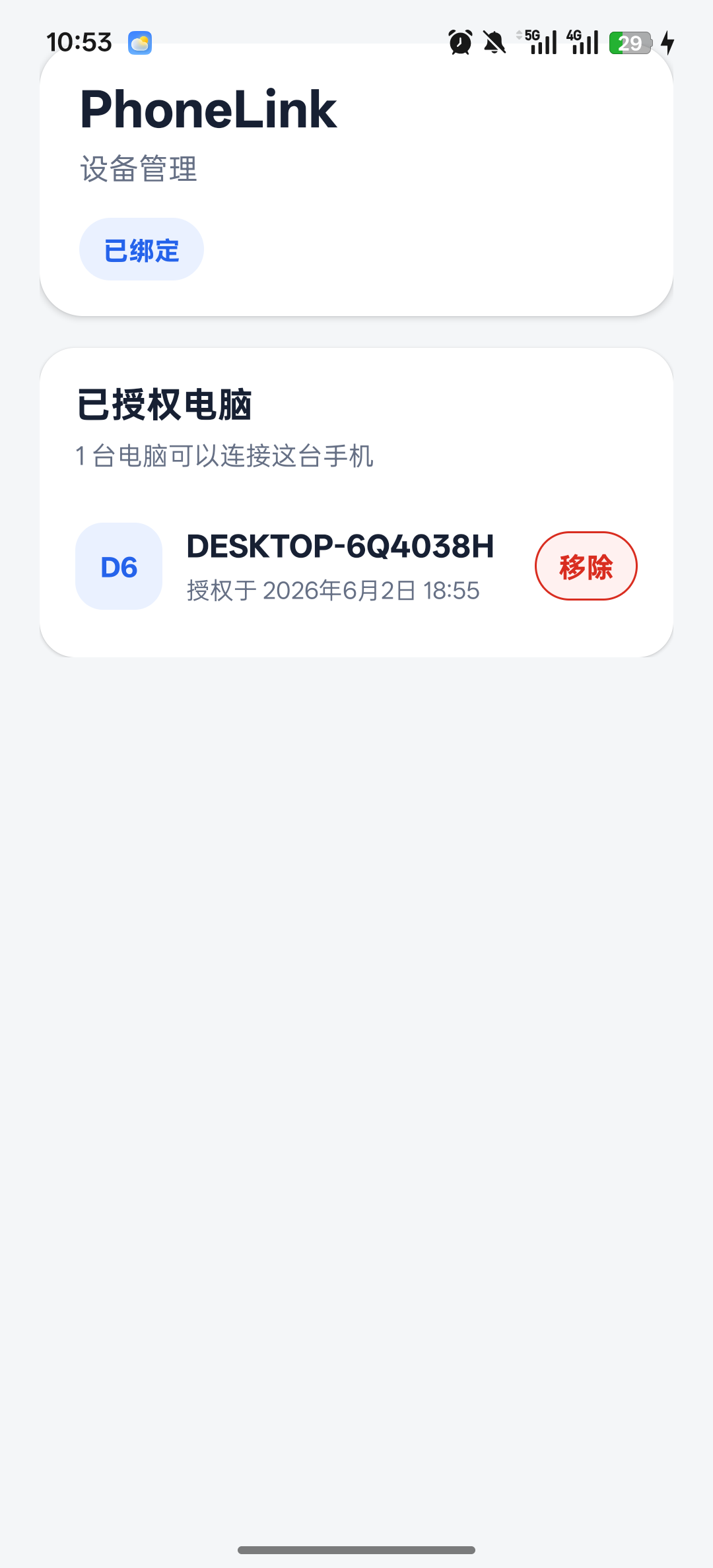
Install the Android agent and pair the phone with a short code.
Start the desktop service once, then use adb at 127.0.0.1:15555.
adb devices
127.0.0.1:15555 device
adb -s 127.0.0.1:15555 install ./app-debug.apk
Why PhoneLink
PhoneLink exposes your Android phone as a local ADB endpoint, so existing tools can keep using adb, logcat, install, shell, and forward commands.
Let Codex, Claude Code, Android Studio, or your terminal build, install, inspect logs, and iterate while the phone is somewhere else.
PhoneLink attempts direct and WebRTC paths first, then falls back to TURN or relay when NATs and firewalls get in the way.
Pricing
Start with a full month to test the real remote debugging workflow.
PhoneLink Pro
1 month free trial included
The first commercial release keeps billing easy: one month to try, then one annual plan. Team management and usage-based relay limits can come later without making the first purchase decision harder.
Download
Includes the desktop GUI, CLI, background service, bundled ADB tools, and the Android agent used for first-time setup.
NSIS installer for Windows 10/11. Includes the desktop app, CLI, background service, bundled ADB tools, and Android agent.
Download for WindowsDMG build for Intel macOS. The desktop service uses LaunchAgent and bundles the macOS Android platform-tools.
Download for macOSAppImage build for x64 Linux desktops. The background service uses a systemd user service when available.
Download for LinuxInstall the Android agent on the phone you want to debug. Pair by code, then keep the app allowed for background activity for best stability.
Get Android APKFAQ
No. It creates a remote transport that makes the phone appear as a normal local ADB device. Your existing adb commands still work.
Not when P2P or direct connection succeeds. The server is mainly used for signaling. TURN and WebSocket relay are fallbacks for hard networks.
No. USB is only a setup fallback. The normal flow is pairing once, then connecting remotely.
Users get one month to try the remote debugging flow. After the trial, the first commercial plan is a simple annual subscription.